Guide, for the Company
Produce year-end holding statements
One statement per holder for each completed income year, drawn from the register.
Where: Company hub, Register, Statements
Pick the income year
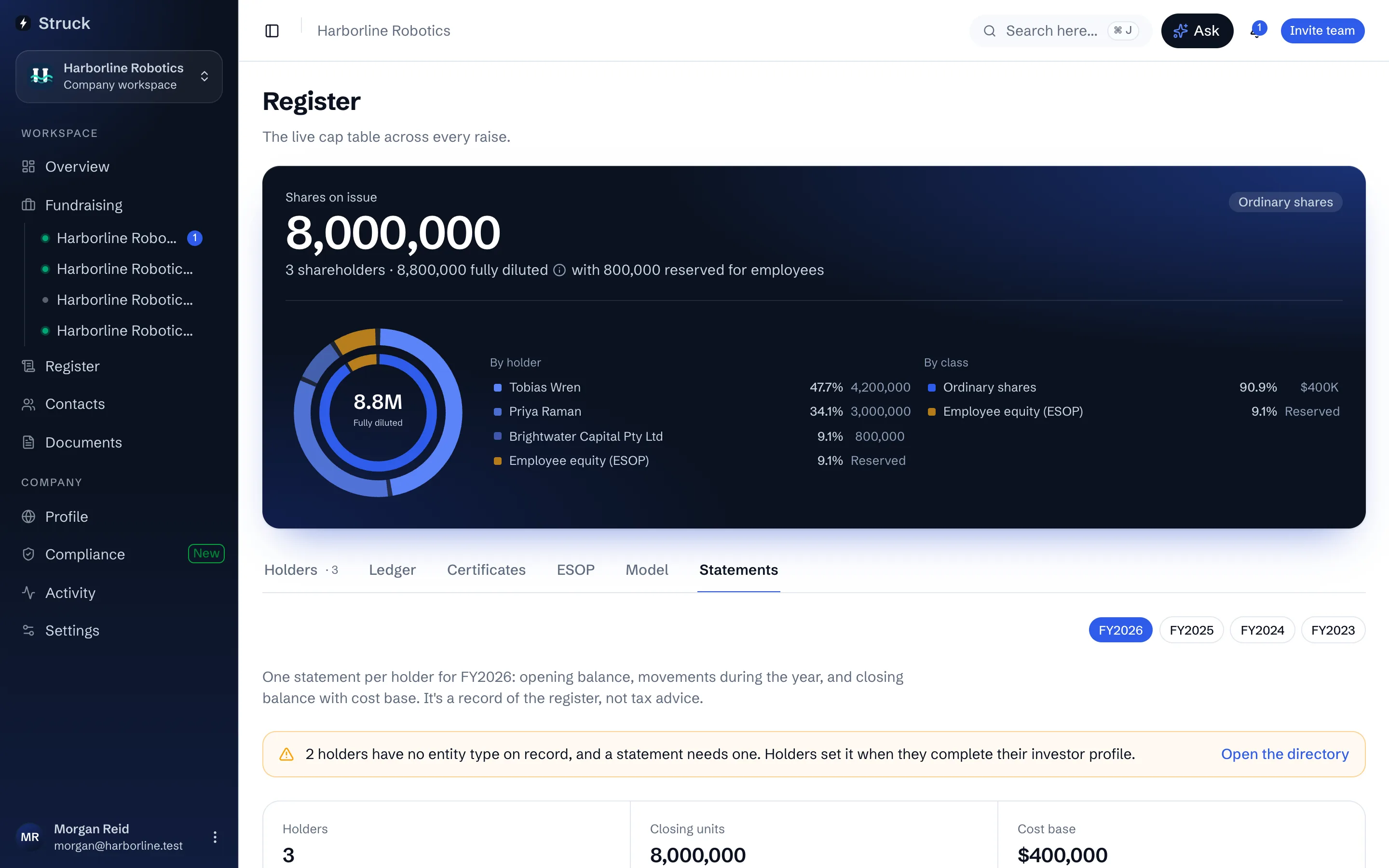
On the Register's Statements tab, choose the financial year. The screen defaults to the last completed one. Each statement carries the holder's opening balance, every movement during the year and the closing balance with cost base as recorded on the register.
Check the holders
The table lists each holder with their Closing units, Cost base and the number of Movements. A holder flagged As imported has a cost base taken from the import rather than a recorded transaction, and a holder with no entity type is called out with a link to the directory, since the statement needs to know whether it is addressing a person, a company or a trust.
Download and send
Statement on each row downloads that holder's PDF. Holders can fetch their own from Holdings under Year-end statements, so for most companies sending is telling holders it is there. Statements are not sent automatically.
A statement is a record of the register, not tax advice. Parcel matching and any capital gain are the holder's accountant's work.
Read next
- Year-end holding statementsHow it works
- The register of membersHow it works
- Your holdingsHow it works