Guide, for the Deal team
Prepare the legal pack
Lock the terms, name who signs for the company, set the receiving account, and turn the lawyer's subscription agreement into the pack every investor signs.
Where: Raise hub, Legal pack
Lock the terms
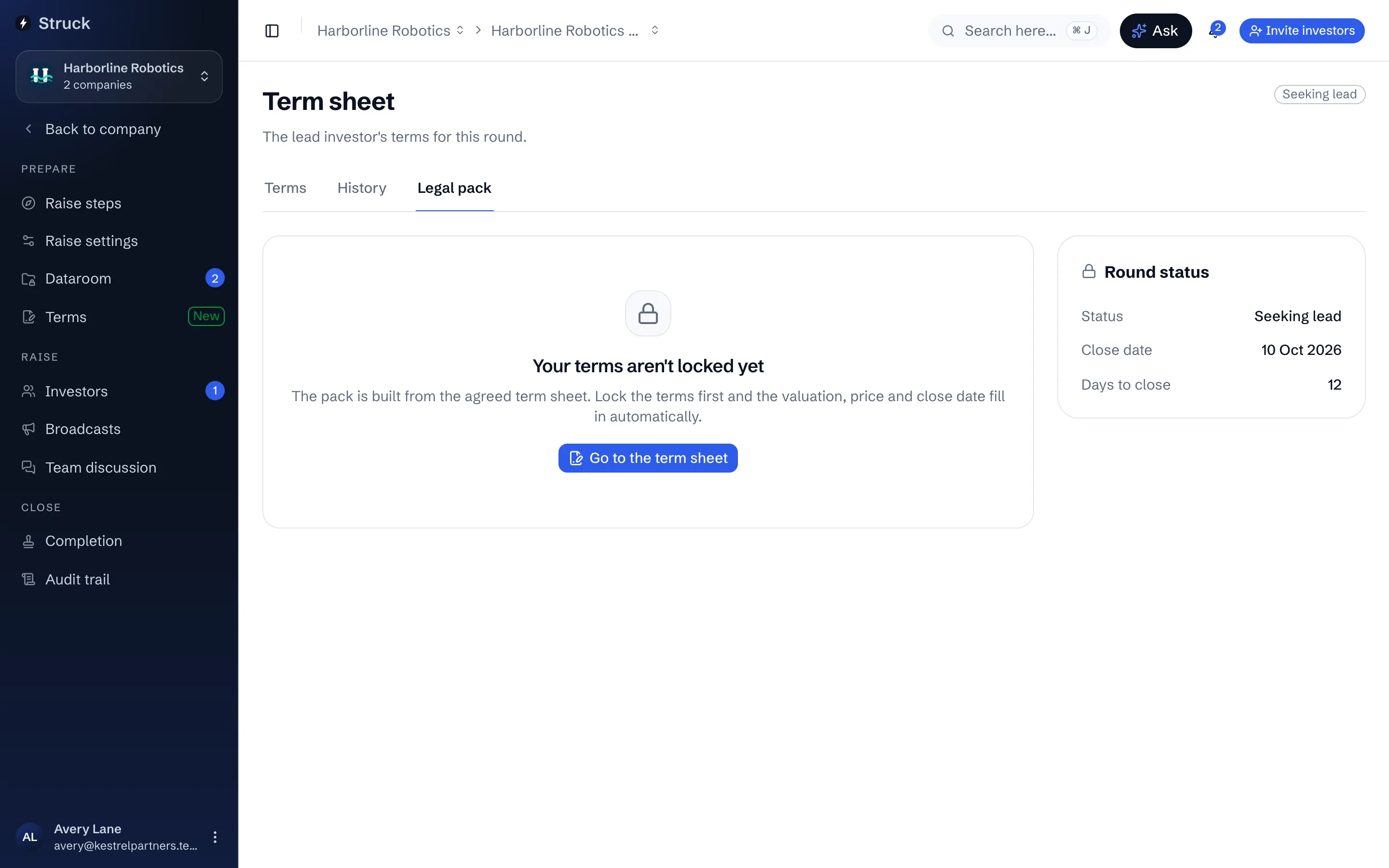
On a priced round the Legal pack screen stays closed until the term sheet is locked, and says so. Lock & go live on the Terms screen (it appears once the lead's term sheet is signed) locks the agreed terms, takes the raise live, and from then on the valuation, price and close date merge into the pack automatically. A SAFE or convertible note needs no lock; its cap and discount stand in for a price.
Name the company's signatories and the receiving account
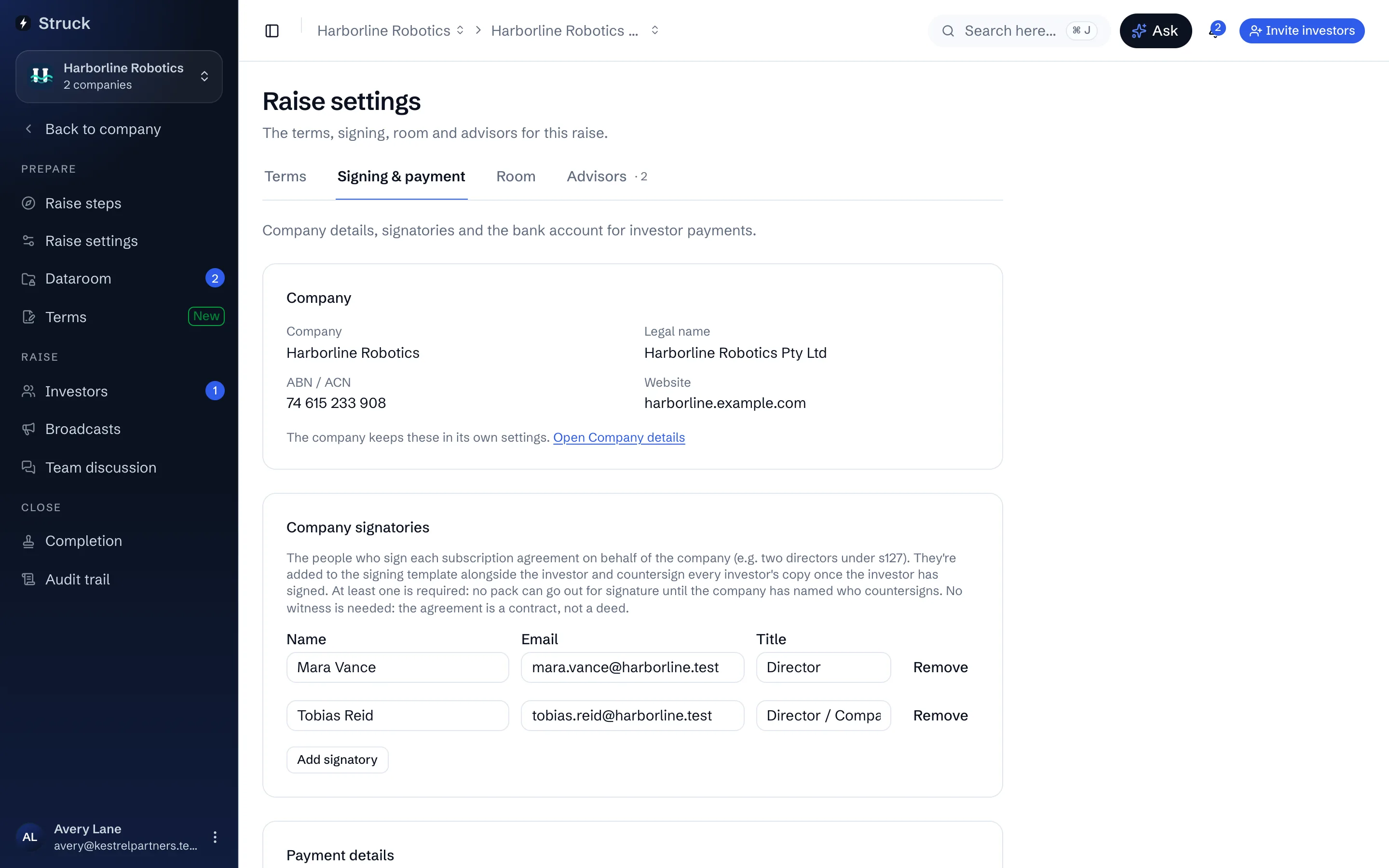
In Raise settings, under Signing and payment, add at least one company signatory with their Name, Email and Title. No pack can go out until the company has named who countersigns. On the same screen set the receiving account: Account name, BSB and Account number. Payment instructions are drawn from it, and until it is set the Payments screen will not send any. Only the company can set or change it. Changing it asks for the 6-digit code from your second step, and your team and every investor with a payment outstanding are emailed to check the account on Struck. The email never contains the new details.
Make the lawyer's agreement the template
Upload the subscription agreement into the dataroom. Struck recognises it and asks Set up signing? Choose Set up signing to make it the raise's agreement template now, or Later and use Set as agreement template from the document's menu when you are ready.
Choose who signs
The Set up signing dialog has two blocks. Investor is the party signing their own copy; Company signatories countersign every investor's copy and are added to the document automatically. Add from team fills them from the people already on the raise.
Place the signing fields
Place the signing fields opens the agreement with the fields Struck found on it already placed: the investor's name, address and amount, the signature blocks, the date. Drag to move, pull an edge to resize, add anything missing. Sample filled copy shows the document as one investor would receive it. Press Use these fields when it reads right.
A raise with a template never falls back to a generated document. If the template cannot be used, the pack fails loudly rather than sending an investor something the lawyer did not write.
Check the merge
Back on Legal pack, the Merged from your terms card lists each figure drawn from the term sheet; a Not set yet row means a term is still empty in Raise settings. Negotiated conditions lists anything the lead negotiated, to be placed in the shareholders agreement with a lawyer's eye on the wording. The pack section shows what an investor will sign: the subscription agreement, and the shareholders agreement or deed poll of accession where the raise has one.
Read next
- The legal packHow it works
- Negotiating the term sheetHow it works
- Instruments and termsHow it works
- Raise settings and advisorsHow it works