Guide, for the Company
Record option grants
Set up the option pool, record each grant or import its letter, and exercise options onto the register.
Where: Company hub, ESOP
Set up the option pool
On the Register's ESOP tab press Set up the option pool. Give the plan a name, the Pool in shares, the date it was Adopted on, its Term in months, the Share class on exercise and the ESS scheme type. Plan rules can be attached from the company vault. The pool counts in fully-diluted ownership from the moment it is recorded, which is what keeps the round model and the profile's ownership figures honest.
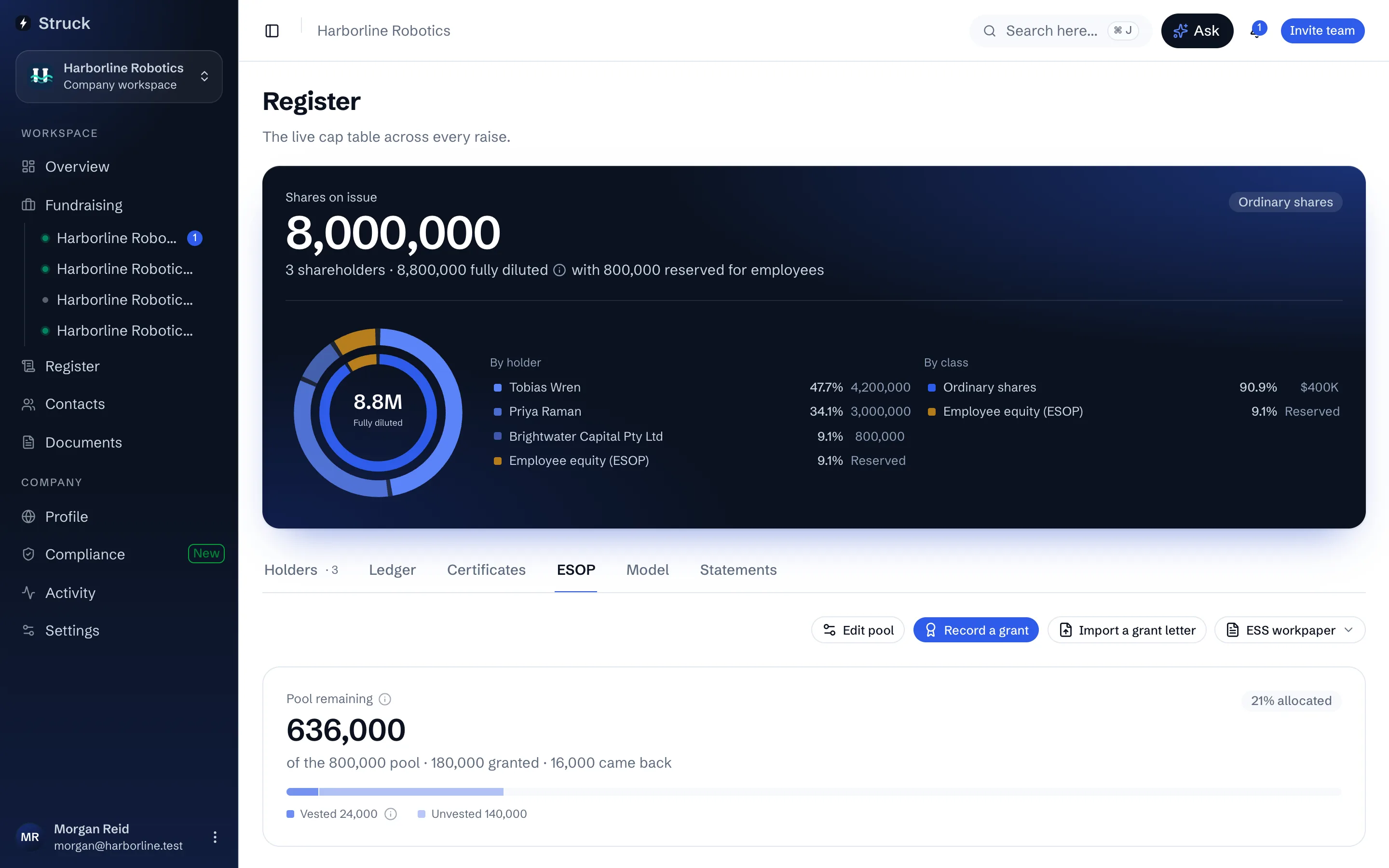
Record a grant
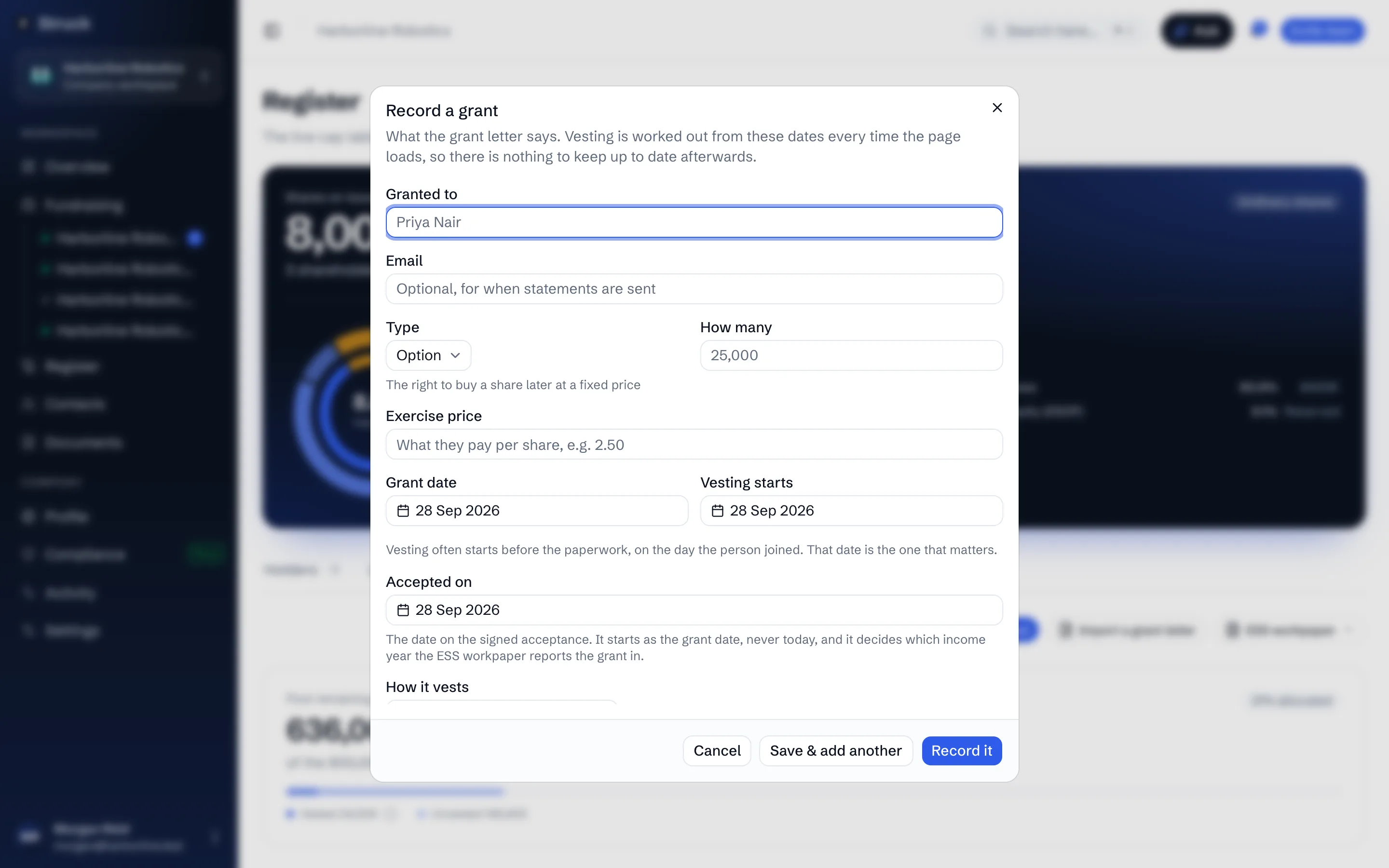
Press Record a grant. Enter who it is Granted to and their Email, the Type (Option or RSU), How many, the Exercise price, the Grant date and when Vesting starts. Choose How it vests: a Monthly schedule with a cliff takes the vesting period, the cliff and the frequency, and Tranches, time-based or milestone lists each tranche on its own. Set the Status: Offered until the grantee accepts, then Active.
An offer of options is not a grant of them. Leave a grant as Offered until it is accepted, and record the date under Accepted on.
Or import the grant letter
Import a grant letter reads a PDF grant letter and fills the same form from it. Review each field against the letter, use Choose a different file if it picked the wrong one, and press Record. The letter often says more than the form holds, and the review step says so; the vesting mechanics and the numbers are what it captures.
Follow vesting
The grants table shows each grantee with what was Granted and what has Vested, the Exercise price, the dates and the Status. A pool meter above it shows what is allocated and what remains. Milestone tranches wait under Due sign-offs until a director confirms the milestone was met.
Exercise options
The exercise action on a grant row opens Exercise options, asking How many and the date Exercised on, with a preview of the effect. On exercising, the holder goes onto the register as a member and the ledger records the issue, so nothing is re-keyed on the Holders tab.
Read next
- The ESOPHow it works
- The register of membersHow it works
- Modelling the next roundHow it works